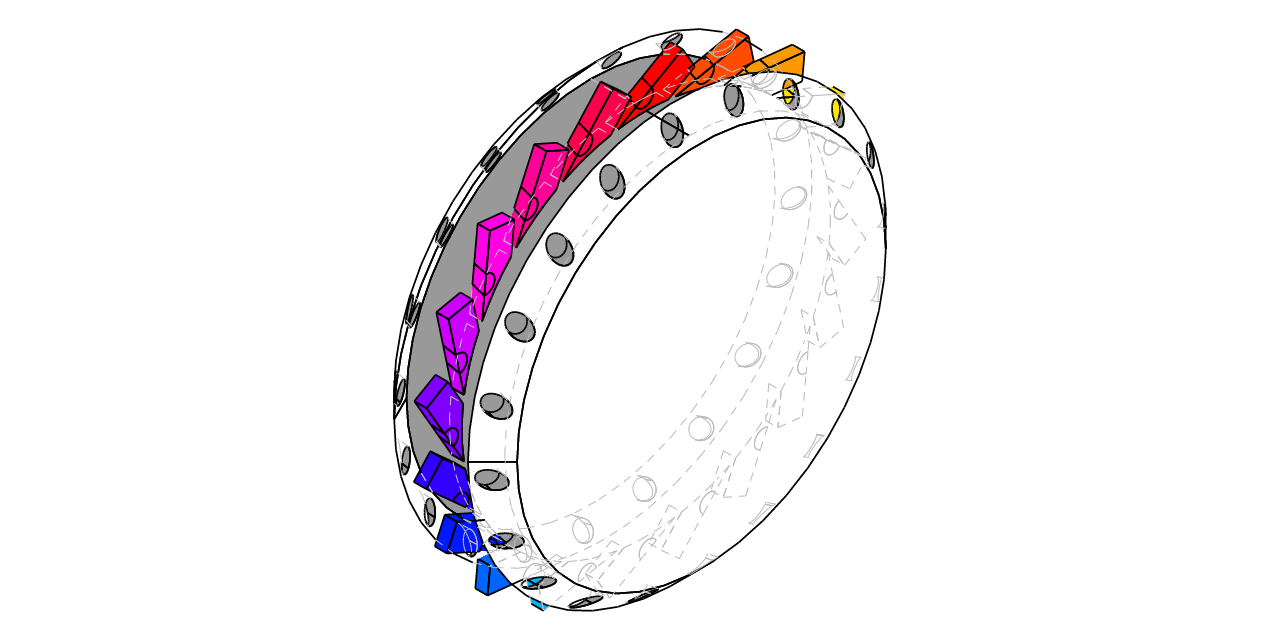
Getting started
cadrum is a Rust CAD crate for engineering and scientific work. It consist of Open CASCASE kernel and a few topologically defined structs (Solid, Face, Edge) and a wide variety of fuctions which manipulate the topological sturucts. cadrum provide prebuilt Open CASCADE binaries for each environment including wasm32, which are automatically downloaded to save your time, instead of building it with CMake.
Installation
cadrum canbe installed via cargo from crates.io like cargo add cadrum
Hello world!
use cadrum::{DVec3, Solid};

fn main() -> Result<(), cadrum::Error> {
	let solids = [Solid::cube(DVec3::ZERO, DVec3::new(10.0, 20.0, 30.0)).color("#4a90d9")];
	let mesh = Solid::mesh(&solids, Default::default())?;
	mesh.scene(Default::default()).write_png([640, 640], &mut std::fs::File::create("hello_world.png").unwrap())?;
	Ok(())
}
Citation
@software{cadrum,
  author = {Satoshi Misumi},
  title = {cadrum: a Rust CAD crate using statically-linked, headless OpenCASCADE},
  year = {2026},
  url = {https://github.com/lzpel/cadrum},
  license = {MIT}
}